
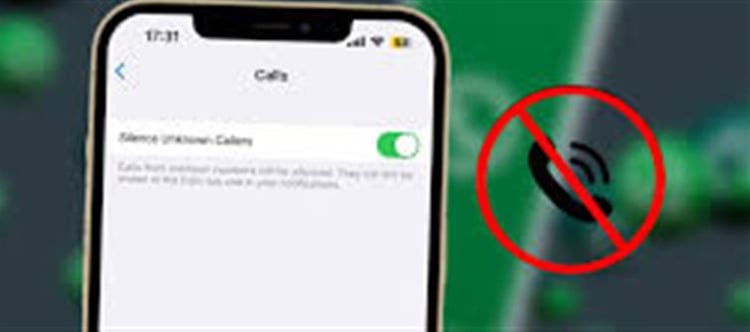


WhatsApp has become one of the most widely used instant messaging platforms worldwide, connecting billions of users with friends, family, colleagues, and businesses. While it offers convenience, it also exposes users to spam messages, promotional texts, and unknown contacts, which can be annoying or even harmful. Fortunately, whatsapp provides built-in features to block unwanted numbers and messages. Here’s a step-by-step guide to help you take control.
Step 1: Block Unknown Contacts
1. Open the whatsapp chat with the unknown number.
2. Tap the contact name or number at the top.
3. Scroll down and select “Block Contact.”
4. Confirm your choice.
Once blocked, the contact will no longer be able to send messages, call you, or see your status updates.
Step 2: Report Spam Messages
If you receive a suspicious or spam message from an unknown number:
1. Open the chat with the sender.
2. Tap the three-dot menu (Android) or the contact info (iPhone).
3. Select “Report Contact” or “Report Spam.”
This sends the message to whatsapp for review and helps prevent spam from spreading.
Step 3: Restrict Who Can Add You to Groups
Many spam messages come from groups. To control this:
1. Go to Settings → Account → Privacy → Groups.
2. Choose who can add you to groups: Everyone, My Contacts, or My Contacts Except…
This prevents unknown numbers from adding you to unwanted groups.
Step 4: Enable Privacy Settings
Enhancing your privacy helps reduce spam:
· Go to Settings → Account → Privacy.
· Adjust Last Seen, Profile Photo, About, and Status to My Contacts or Nobody.
This makes your account less visible to unknown numbers.
Step 5: Delete Suspicious Links and Messages
Never click on links from unknown contacts, as they may contain malware or phishing attempts. Delete any suspicious messages immediately and block the sender.
Bonus Tip: Use Two-Step Verification
Activate two-step verification in whatsapp (Settings → Account → Two-Step Verification) to add an extra layer of security and prevent unauthorized access to your account.
Conclusion
Blocking unknown numbers and spam on whatsapp is simple if you follow these steps. By blocking contacts, reporting spam, adjusting privacy settings, and being cautious, you can enjoy a safer, spam-free messaging experience.
Disclaimer:
The views and opinions expressed in this article are those of the author and do not necessarily reflect the official policy or position of any agency, organization, employer, or company. All information provided is for general informational purposes only. While every effort has been made to ensure accuracy, we make no representations or warranties of any kind, express or implied, about the completeness, reliability, or suitability of the information contained herein. Readers are advised to verify facts and seek professional advice where necessary. Any reliance placed on such information is strictly at the reader’s own risk.
 click and follow Indiaherald WhatsApp channel