
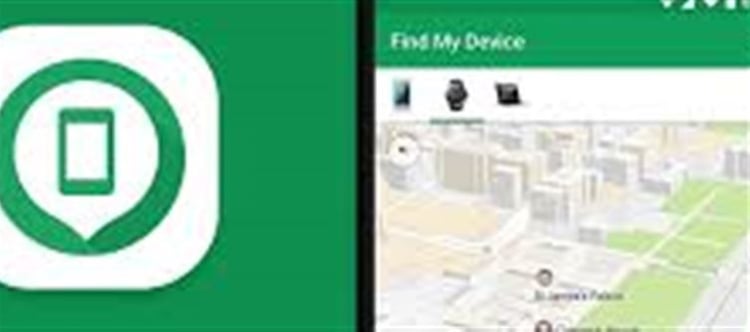


Losing your Android phone can be stressful, but Google’s Find My Device feature makes it easy to locate, lock, or erase your device remotely. This built-in Android service is a lifesaver for protecting your personal data. Here’s a complete guide on how to set it up and use it effectively.
1. Set Up Find My Device on Your Android Phone
Step 1: Check google Account
· Ensure your phone is linked to a google account.
· Go to Settings → Accounts → google → Check Account.
Step 2: Enable Location Services
· Go to Settings → Location → Turn On.
· Location must be enabled for accurate tracking.
Step 3: Enable Find My Device
· Go to Settings → Security → Find My Device (may vary by phone brand).
· Turn on Find My Device.
Tip: Make sure your device has internet access (mobile data or Wi-Fi) for this feature to work.
2. How to Locate Your Phone
Option 1: Using Another Device
1. Open a web browser and go to https://www.google.com/android/find.
2. Sign in with the Google account linked to your lost phone.
3. The location of your phone will appear on the map.
Option 2: Using Another Android Phone
· Install the Find My Device app from google Play Store.
· Log in with your google account.
· The app will show the phone’s location in real-time.
3. Remote Actions You Can Take
Once your phone is located, you can perform these actions:
1. Play Sound
o Your phone rings at full volume for 5 minutes, even if on silent.
o Useful if it’s nearby.
2. Secure Device / Lock
o Lock your phone remotely with a new password, PIN, or pattern.
o Optionally, display a message or contact number on the lock screen.
3. Erase Device
o Permanently deletes all data on your phone.
o Use this only if you believe your phone is stolen or permanently lost.
Note: After erasing, you will no longer be able to locate the device.
4. Tips for Best Use
· Keep location services and Find My Device enabled at all times.
· Ensure your phone has battery life and is connected to the internet.
· Regularly check Google account devices list to monitor any suspicious activity.
✅ Quick Summary
Feature
What It Does
Play Sound
Rings phone even if silent
Secure Device
Lock phone with a new password and display contact info
Erase Device
Wipes all data if phone is stolen
Location Tracking
Shows phone on map in real-time
Conclusion
Google Find My Device is a powerful tool to protect your Android phone and personal data in case of loss or theft. By setting it up properly and using the available features, you can locate your phone quickly, secure it remotely, or erase sensitive information to stay safe.
Disclaimer:
The views and opinions expressed in this article are those of the author and do not necessarily reflect the official policy or position of any agency, organization, employer, or company. All information provided is for general informational purposes only. While every effort has been made to ensure accuracy, we make no representations or warranties of any kind, express or implied, about the completeness, reliability, or suitability of the information contained herein. Readers are advised to verify facts and seek professional advice where necessary. Any reliance placed on such information is strictly at the reader’s own risk.
 click and follow Indiaherald WhatsApp channel