


Introduction
Sometimes you want to keep your whatsapp chats private without muting notifications completely. There are smart ways to hide notifications from popping up on your screen, while still receiving messages.
1. Disable Lock Screen Previews
Steps:
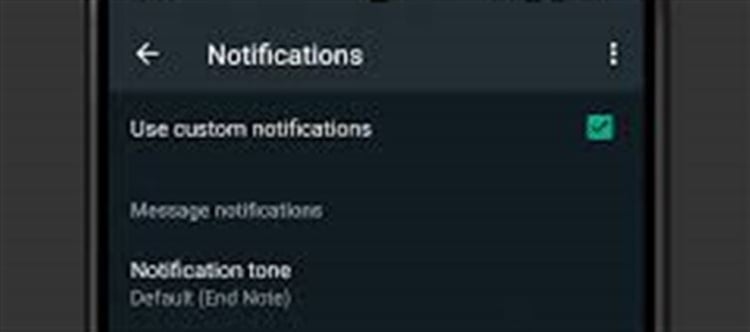
Open WhatsApp → Settings → Notifications
Tap Popup notification (or “On lock screen” depending on your device)
Select “No popup” or “Hide content”
✅ This hides message previews on the lock screen while still notifying you silently.
2. Turn Off Notification Previews on Android
- Go to Settings → Apps → whatsapp → Notifications
- Disable “Show content” or “Preview messages”
- You’ll see “WhatsApp message”, but not the message content
✅ Works for both lock screen and notification shade.
3. Use Notification Tone Without Message Preview
- In Settings → Notifications, set a custom notification sound for messages
- Disable message previews
- You hear the alert but message content remains hidden
4. Use “Silent Notifications” Trick
- Set WhatsApp notifications to silent but keep banners enabled
- Go to Settings → Apps → whatsapp → Notifications
- Disable sound but leave visual notifications active
✅ You get notified discreetly without audio or popup intrusion.
5. Android 12+ Privacy Feature: Hide Sensitive Notifications
- Open Settings → Notifications → Lock Screen → Hide Sensitive Content
- WhatsApp messages will not show content until you unlock the phone
✅ Great for public or shared spaces.
6. Use Third-Party Privacy Apps (Optional)
- Apps like Notification Manager or Privacy Shade can mask app notifications
- Ensure the app is trusted, as third-party apps may access sensitive data
Tips for Maintaining Privacy
- Avoid showing WhatsApp content in screenshots or screen recording
- Use two-factor authentication to prevent unauthorized access
- Periodically review privacy settings in whatsapp → Account → Privacy
Conclusion
You don’t have to mute chats to maintain privacy. By disabling previews, using silent notifications, or hiding sensitive content, you can stay notified while keeping your WhatsApp messages private.
Disclaimer:
The views and opinions expressed in this article are those of the author and do not necessarily reflect the official policy or position of any agency, organization, employer, or company. All information provided is for general informational purposes only. While every effort has been made to ensure accuracy, we make no representations or warranties of any kind, express or implied, about the completeness, reliability, or suitability of the information contained herein. Readers are advised to verify facts and seek professional advice where necessary. Any reliance placed on such information is strictly at the reader’s own risk.
 click and follow Indiaherald WhatsApp channel