


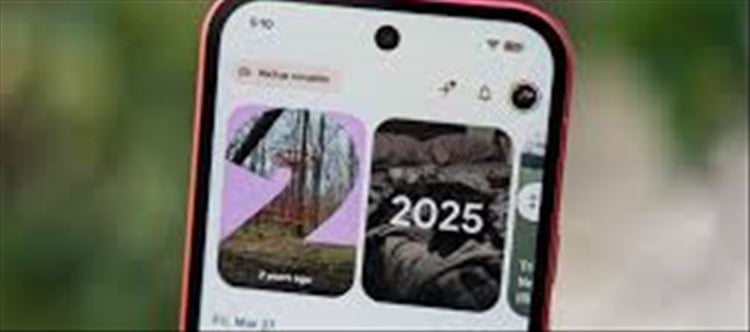

The claim that “Google Photos now lets you edit selfies with new touch-up tools” is broadly true in spirit—but it refers to gradual updates to AI editing features in google Photos, not one single universal “new button” for everyone.
These features are being rolled out over time and may vary by device and region.
🤖 What’s New in google Photos Editing?
The app Google Photos has been adding more AI-powered editing tools that make selfies easier to enhance.
✨ Key improvements include:
- Skin smoothing (natural tone adjustments)
- Brightness and lighting correction
- Eye and face enhancement tools
- Background blur and portrait improvements
- AI “Magic Editor” style edits (on supported devices)
🧠 How These Selfie Touch-Up Tools Work
Instead of manual editing, google Photos uses AI to:
- Detect faces automatically
- Adjust lighting and shadows
- Reduce blemishes subtly
- Enhance clarity without over-editing
👉 The goal is “natural improvement,” not heavy filters.
📱 Where You Can Use These Features
You may see these tools in:
- Android google Photos app
- Selected Pixel devices (first to get advanced AI features)
- Some premium google Photos AI features (limited rollout)
Not all phones will have every feature at the same time.
⚙️ Example Editing Options You Might See
- 🌟 Portrait Light adjustment
- 🧴 Skin tone smoothing
- 👁️ Eye clarity enhancement
- 🎨 Color and contrast auto-fix
- ✂️ Background blur or subject focus
⚠️ Important Reality Check
- ✔ google Photos is improving AI editing tools
- ✔ Selfie enhancement features are expanding
- ❌ Not all users have full “new selfie touch-up suite” yet
- ❌ No separate app is required—everything is inside google Photos
🧭 Why google Is Doing This
Google is focusing on:
- 📸 Making everyday photos look better instantly
- 🤳 Competing with social media camera filters
- 🤖 Using AI for automatic editing instead of manual tools
📝 Final Thoughts
The update to Google Photos is part of a larger shift toward AI-powered photo enhancement, especially for selfies. While “new touch-up tools” are real, they are gradually rolling out and not identical for every user.
Disclaimer:
The views and opinions expressed in this article are those of the author and do not necessarily reflect the official policy or position of any agency, organization, employer, or company. All information provided is for general informational purposes only. While every effort has been made to ensure accuracy, we make no representations or warranties of any kind, express or implied, about the completeness, reliability, or suitability of the information contained herein. Readers are advised to verify facts and seek professional advice where necessary. Any reliance placed on such information is strictly at the reader’s own risk.
 click and follow Indiaherald WhatsApp channel