


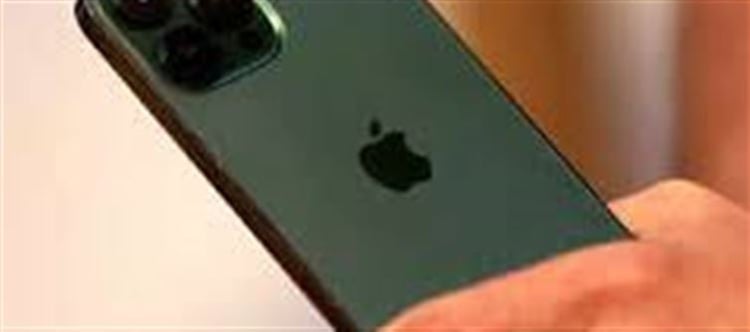

Buying a new iphone is exciting, but with the rise of counterfeit smartphones, it’s important to ensure your device is genuine. Fake iPhones may look identical to the real ones but often have poor performance, security risks, and no official warranty. Here’s a complete guide to check if your new iphone is authentic.
1. Check the Physical Build
- Look at the logo: Apple’s logo is precise and polished. Any unevenness or wrong font is a red flag.
- Weight and feel: Genuine iPhones have a premium feel and consistent weight. Counterfeits are usually lighter or made with cheap materials.
- Buttons and ports: Check if the buttons click properly and the ports (Lightning port, SIM tray) are aligned perfectly.
2. Verify the IMEI and Serial Number
- Find your iPhone’s IMEI and serial number:
- Go to Settings → General → About
- You can also check the IMEI on the box or SIM tray
- Check online: Visit Apple’s Check Coverage page
- Enter the serial number to see if the device is registered with Apple
- A genuine iphone will show warranty details and model information
- If the number isn’t recognized, the phone is likely fake.
3. Check the Software
- iOS only: apple iPhones run iOS, not Android.
- If you see an Android-like interface or google Play Store, it’s a counterfeit.
- App Store verification: Open the App Store. If it’s missing or replaced by a generic app store, the iphone is fake.
4. Check for Features
- Face ID or Touch ID: Test biometric authentication. Counterfeit devices often have fake or malfunctioning sensors.
- Siri: Try activating siri with the side button or voice command. A real iphone responds accurately.
- Camera quality: Compare the camera output. Fake iPhones often have low-quality cameras despite similar specs on paper.
5. Check for Updates
- Go to Settings → General → software Update
- Genuine iPhones receive regular iOS updates directly from Apple.
- Fake iPhones may show errors, outdated versions, or no updates at all.
6. Use Trusted Retailers
- Always buy iPhones from Apple Stores, authorized resellers, or official online stores.
- Avoid purchasing from unverified online sellers or street markets, where counterfeit phones are common.
✅ Quick Summary
Checkpoint
What to Look For
Physical Build
Apple logo, weight, buttons, ports
Serial/IMEI
Valid on Apple’s website
Software
Must run iOS, App Store present
Features
Face ID, Touch ID, siri working
Updates
Regular iOS updates available
Retailer
Authorized apple sellers only
Conclusion
With a little attention to detail, you can quickly determine if your new iphone is real or fake. Checking the serial number, software, features, and purchase source ensures you enjoy the premium apple experience without falling victim to counterfeit devices.
Disclaimer:
The views and opinions expressed in this article are those of the author and do not necessarily reflect the official policy or position of any agency, organization, employer, or company. All information provided is for general informational purposes only. While every effort has been made to ensure accuracy, we make no representations or warranties of any kind, express or implied, about the completeness, reliability, or suitability of the information contained herein. Readers are advised to verify facts and seek professional advice where necessary. Any reliance placed on such information is strictly at the reader’s own risk.
 click and follow Indiaherald WhatsApp channel