


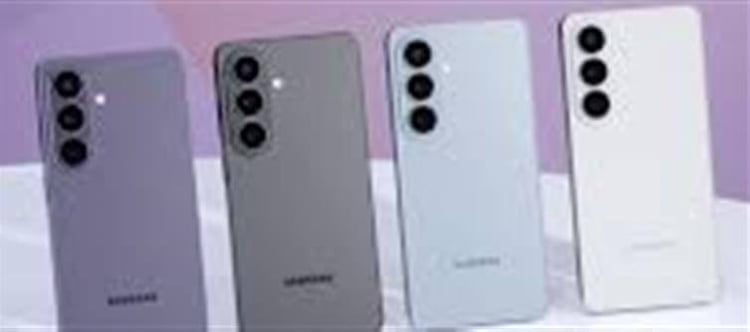

📱 What Is the Privacy Display Feature?
The Privacy Display is a built‑in screen privacy technology that makes your phone’s display visible clearly only to you — and much harder for people nearby to read from the side. It’s designed to stop “shoulder surfing,” where someone next to you tries to sneak a peek at your screen in public places like trains, cafes, or queues.
🛡️ How It Works
This privacy protection doesn’t rely on a sticker or accessory. Instead, it’s integrated into the display hardware using Samsung’s new Flex Magic Pixel system:
🔹 Pixel‑Level Light Control
- The display uses two types of pixels — Wide Pixels and Narrow Pixels.
- In normal mode, both work together for a wide viewing angle.
- When Privacy Display is activated, the panel funnels light forward so the screen looks clear straight on but dark or obscured from side angles.
- This effect works in both portrait and landscape orientations without major dimming.
🔐 Customisable Privacy Levels
Samsung lets you choose how you want it to behave:
- Partial Privacy Mode: Hide just specific parts of the screen — such as notification pop‑ups, keyboard, or banking app fields.
- Maximum Privacy Protection: Blocks almost all side‑angle views on the whole screen for highly sensitive content.
- You can also set the feature to turn on automatically for selected apps or at certain events (like entering a PIN).
📍 Why It’s a Big Deal
- This is one of the first hardware‑level privacy displays in a smartphone — not just a software trick.
- Unlike external privacy films (which dim the screen and reduce clarity), Samsung’s approach keeps the front view crisp and bright while only limiting side visibility.
- It’s helpful when entering passwords, OTPs, bank app info, messages, or personal documents in public spaces.
🆕 Exclusivity and Adoption
- Currently, this feature is exclusive to the Galaxy S26 Ultra model — Samsung’s new flagship — and isn’t yet available on the standard S26 or S26+.
- Early reporting suggests other Android manufacturers might adopt similar tech later this year.
🔎 In Simple Terms
Think of Privacy Display as a high‑tech security screen built into your phone. When turned on, it keeps your display fully visible to you but looks dark or unreadable from the sides, protecting sensitive info from prying eyes — without ruining brightness or resolution the way a sticker privacy filter does.
Disclaimer:
The views and opinions expressed in this article are those of the author and do not necessarily reflect the official policy or position of any agency, organization, employer, or company. All information provided is for general informational purposes only. While every effort has been made to ensure accuracy, we make no representations or warranties of any kind, express or implied, about the completeness, reliability, or suitability of the information contained herein. Readers are advised to verify facts and seek professional advice where necessary. Any reliance placed on such information is strictly at the reader’s own risk.
 click and follow Indiaherald WhatsApp channel