


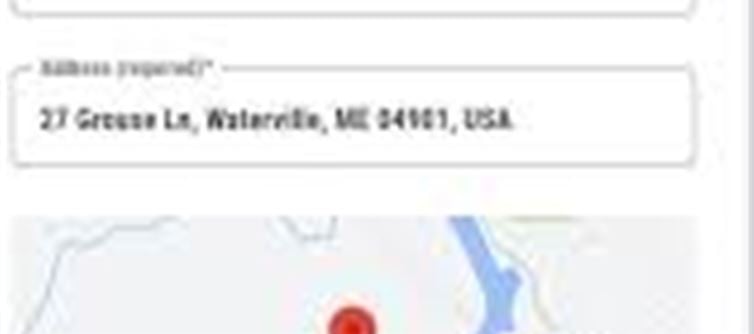

Adding your address to google Maps helps delivery services, cab drivers, and even friends or relatives find your location easily. Here’s how to do it:
1. Open google Maps App
Launch the Google Maps app on your smartphone.
Make sure your location service (GPS) is turned on for accurate positioning.
2. Tap on “Contribute”
At the bottom of the app, you’ll see the Contribute option.
Tap on it to start adding a new place or address.
3. Select “Add Place”
After tapping Contribute, choose Add Place.
This allows you to enter details about a new location.
4. Enter Basic Details
Provide essential information like:
Name of the place (e.g., home, Shop, Office)
Category (Home, business, Store, etc.)
Full address
Make sure the details are accurate to help people find the location easily.
5. Set the Correct Location on Map
Move the pointer on the map to mark the exact location.
Ensure that the pin is placed exactly at your home or shop.
Being physically at the location helps google verify accuracy.
6. Add Extra Details (Optional)
If it’s a business or shop, you can add:
Working hours
Website
Phone number
You can also add a photo of the location for easier identification.
7. Submit the Address
Once all details are filled in, tap Submit.
Google will review the location before it appears in search results.
✅ Benefits of Adding Your Address
Your location becomes searchable on google Maps.
Easier for delivery drivers, cab drivers, or guests to reach you.
You can share your location directly with anyone.
Perfect for both home and office addresses.
⚠️ Things to Keep in Mind
Make sure you are physically present at the location when adding the address.
Keep your phone’s location service on to mark the correct spot.
Adjust the map pointer if needed for exact placement.
Disclaimer:
The views and opinions expressed in this article are those of the author and do not necessarily reflect the official policy or position of any agency, organization, employer, or company. All information provided is for general informational purposes only. While every effort has been made to ensure accuracy, we make no representations or warranties of any kind, express or implied, about the completeness, reliability, or suitability of the information contained herein. Readers are advised to verify facts and seek professional advice where necessary. Any reliance placed on such information is strictly at the reader’s own risk.
.jpg)
 click and follow Indiaherald WhatsApp channel