


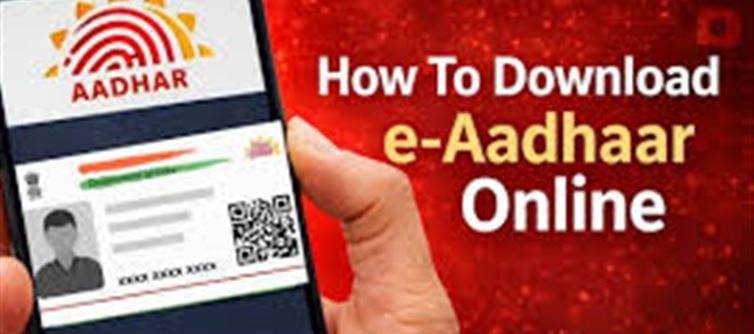

1. What is e-Aadhaar?
e-Aadhaar is the electronic version of your Aadhaar card issued by the Unique Identification Authority of india (UIDAI). It has the same validity as a physical Aadhaar card and is digitally signed by UIDAI, making it legally valid for all purposes.
Key Points:
- It contains your 12-digit Aadhaar number, demographic details, and photograph.
- It is a password-protected PDF.
- Can be printed and used just like a regular Aadhaar card.
- It is globally accepted for KYC verification wherever Aadhaar is valid.
2. How to Download e-Aadhaar
You can download your e-Aadhaar online from the UIDAI portal.
Step-by-Step Process:
Visit uidai Website:
Go to https://eaadhaar.uidai.gov.in
Select “Download e-Aadhaar”
Provide Your Details:
Enter Aadhaar number (or Enrollment ID/VID)
Name as per Aadhaar
PIN code
Enter Security Code (Captcha)
Request OTP:
An OTP (One Time Password) will be sent to your registered mobile number.
Enter OTP & Submit:
Download PDF:
Your e-Aadhaar PDF will download.
Default password: The first 4 letters of your name (as in Aadhaar) in CAPS + birth year.
Print & Keep Safe:
e-Aadhaar can be printed and used anywhere a physical Aadhaar is required.
3. Where Can You Use e-Aadhaar?
e-Aadhaar can be used in all situations where Aadhaar is required, including:
- Banking & Financial Services
- KYC for opening savings or current accounts
- Loan applications
- Mutual funds, insurance
- Government Services
- Passport application
- LPG subsidy, PDS
- Income tax filing and PAN linking
- Digital & Online Verification
- e-KYC for mobile connections, online investments
- Authentication for government portals
- Education & Employment
- School/college admissions
- Job applications requiring ID verification
Important: Always ensure your mobile number is registered with UIDAI, as OTP verification is mandatory for download.
4. Advantages of e-Aadhaar
- ✅ Instant access without waiting for physical card delivery
- ✅ Legally valid for all purposes
- ✅ Portable and secure, password-protected PDF
- ✅ Environment-friendly, no paper usage
5. Security Tips
- Never share your PDF password or OTP with anyone.
- Use it only on official uidai portal for downloads.
- Keep a soft copy and a printed copy for emergencies.
- If your mobile number is not registered, you need to update it at an Aadhaar Enrolment Centre.
Summary
e-Aadhaar is a digital, legally valid version of your Aadhaar card, easily downloadable online. It can be used wherever Aadhaar is required — from banking and government services to online verifications. The process is secure, fast, and convenient, making it a reliable alternative to carrying a physical card.
Disclaimer:
The views and opinions expressed in this article are those of the author and do not necessarily reflect the official policy or position of any agency, organization, employer, or company. All information provided is for general informational purposes only. While every effort has been made to ensure accuracy, we make no representations or warranties of any kind, express or implied, about the completeness, reliability, or suitability of the information contained herein. Readers are advised to verify facts and seek professional advice where necessary. Any reliance placed on such information is strictly at the reader’s own risk.
 click and follow Indiaherald WhatsApp channel