


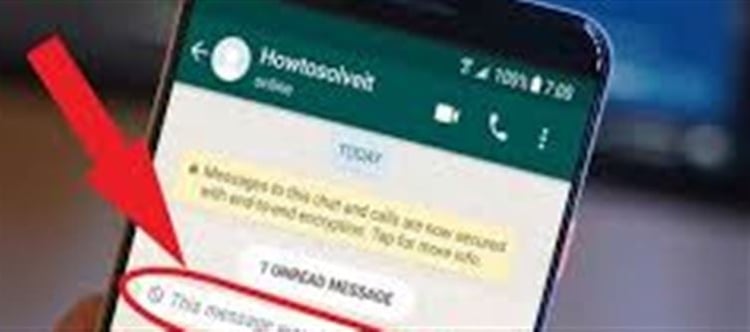

Have you ever seen the message “This message was deleted” in whatsapp and wondered what it originally said? While whatsapp itself doesn’t directly show deleted content once someone removes it, there is a built‑in phone setting that can help you see those messages — but only on Android devices.
How This Setting Works
When someone sends you a whatsapp message, your phone usually shows a notification with a preview of the text. Even if the sender deletes the message afterward, that notification preview can still be stored — and that’s exactly what this trick uses. Android’s Notification History feature keeps a log of notifications your phone has received, including whatsapp messages, for up to 24 hours.
Once you enable this setting, you can scroll through the notification log later and read the message content — even after it was deleted in WhatsApp.
How to Enable Notification history on Android
Here’s a step‑by‑step guide:
Open your phone’s Settings.
Go to Notifications (sometimes under Apps & notifications).
Tap Notification History.
Turn on the Notification History toggle.
After enabling it, all incoming whatsapp messages — including ones you later see as “deleted” in the chat — will be recorded in this history panel for up to 24 hours. You can scroll through the list and tap any forgotten or deleted message to see its text.
⚠️ Note: This only works if the notification was received and logged before the message was deleted. If the message arrived before you enabled Notification history, it won’t show up here.
Key Things to Know
- Only Android phones have this built‑in notification logging tool — iPhones don’t offer a similar official feature.
- The history only saves notifications for about 24 hours, so you need to check it fairly soon after a message is deleted.
- Muted chats or chats where message previews are hidden might not appear in the history.
About Third‑Party Apps
There are also apps on google Play (like Notisave or WhatsRemoved+) that save your notifications and can show deleted messages later, but these require additional permissions and may raise privacy concerns since they can read all notifications, including sensitive ones like OTPs and banking alerts. whatsapp doesn’t officially support them, so use them only if you truly need to and understand the risks.
Disclaimer:
The views and opinions expressed in this article are those of the author and do not necessarily reflect the official policy or position of any agency, organization, employer, or company. All information provided is for general informational purposes only. While every effort has been made to ensure accuracy, we make no representations or warranties of any kind, express or implied, about the completeness, reliability, or suitability of the information contained herein. Readers are advised to verify facts and seek professional advice where necessary. Any reliance placed on such information is strictly at the reader’s own risk.
 click and follow Indiaherald WhatsApp channel