


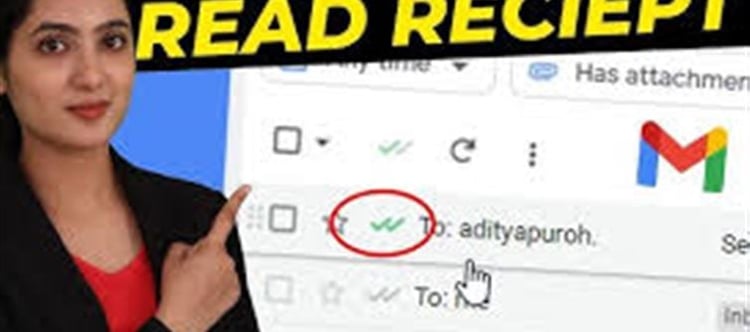

Normally, Gmail does not show a read receipt for regular personal accounts. But you can use a mail‑tracking extension that notifies you when the recipient opens the email.
A popular option is Mailtrack.
🔧 How the Trick Works
When you install a tracking tool like Mailtrack:
- It adds a small tracking pixel to the email.
- When the recipient opens the email, the pixel loads.
- You get a notification that the email was opened.
You’ll also see double‑tick marks (✓✓) similar to messaging apps.
- ✓ = Email sent
- ✓✓ = Email opened
📲 Steps to Enable It
Open Gmail in your browser.
Install Mailtrack from the Chrome Web Store.
Sign in with your Gmail account.
Compose an email normally.
Send it — tracking will be added automatically.
After the recipient opens the email, the tool shows when and how many times it was opened.
⚠️ Important Things to Know
- It works best on desktop Gmail (browser).
- If the recipient blocks images, tracking might not work.
- Free versions may add a small “Sent with Mailtrack” signature.
✅ Alternative: If you use Microsoft Outlook or a company Google Workspace account, you may already have a built‑in “Request read Receipt” option.
💡 Tip: This trick is useful for:
- Job applications
- Work emails
- Important documents
- Client communication
Disclaimer:
The views and opinions expressed in this article are those of the author and do not necessarily reflect the official policy or position of any agency, organization, employer, or company. All information provided is for general informational purposes only. While every effort has been made to ensure accuracy, we make no representations or warranties of any kind, express or implied, about the completeness, reliability, or suitability of the information contained herein. Readers are advised to verify facts and seek professional advice where necessary. Any reliance placed on such information is strictly at the reader’s own risk.
 click and follow Indiaherald WhatsApp channel