


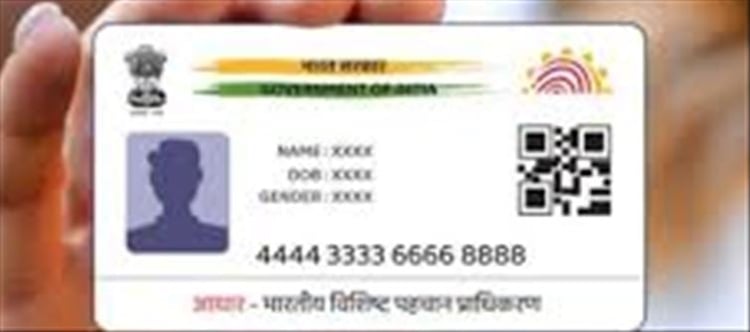

Updating your Aadhaar card details like name, address, and mobile number has become much easier today. However, it’s not literally “in a snap”—some updates are instant, while others require verification and approval from UIDAI.
Here’s a clear, step-by-step guide.
1. What You Can Update in Aadhaar
You can update the following details:
✔ Online (Self-Service Update Portal)
- Address
- Some demographic details (in limited cases)
✔ Offline (Aadhaar Seva Kendra)
- Name
- Date of birth (limited changes allowed)
- Mobile number
- Biometrics (fingerprint, iris, photo)
2. How to Change Address Online (Easiest Method)
🔹 Steps:
Go to uidai Self service Update Portal
Login using Aadhaar + OTP
Select “Update Address”
Enter new address
Upload valid proof (like electricity bill, bank statement, rent agreement)
Submit request
⏱ Processing time:
- Usually 3–7 days (may vary)
3. How to Change Name in Aadhaar
Name change cannot be fully done online in most cases.
🔹 Steps:
Visit nearest Aadhaar Seva Kendra
Fill Aadhaar correction form
Submit valid proof of identity (PAN, passport, etc.)
Provide biometrics for verification
⏱ Processing time:
- 7–15 days typically
4. How to Update mobile Number
Mobile number update is mandatory for OTP-based services.
🔹 Important:
👉 mobile number cannot be updated online
🔹 Steps:
Visit Aadhaar Seva Kendra
Fill mobile update form
Provide Aadhaar for verification
Submit request (no documents usually needed)
⏱ Activation:
- 24–72 hours after update
5. Fees for Aadhaar Updates
- ₹50 per update (common fee at centers)
- Biometric updates may vary slightly
6. Important Rules to Remember
⚠️ You cannot:
- Change identity details without proof
- Update mobile number online
- Make unlimited name changes (strict verification required)
✔ You can:
- Update address easily online
- Track update status using URN (Update Request Number)
- Download updated Aadhaar after approval
7. Common Mistakes to Avoid
- Uploading invalid address proof
- Mismatch between documents and Aadhaar details
- Not linking mobile number (OTP required for updates)
- Ignoring update status tracking
8. Final Takeaway
👉 Aadhaar updates are simple but not instant for all fields:
- Address → Online & easy
- Name → Requires center visit
- Mobile number → Must visit Aadhaar Seva Kendra
Disclaimer:
The views and opinions expressed in this article are those of the author and do not necessarily reflect the official policy or position of any agency, organization, employer, or company. All information provided is for general informational purposes only. While every effort has been made to ensure accuracy, we make no representations or warranties of any kind, express or implied, about the completeness, reliability, or suitability of the information contained herein. Readers are advised to verify facts and seek professional advice where necessary. Any reliance placed on such information is strictly at the reader’s own risk.
 click and follow Indiaherald WhatsApp channel