


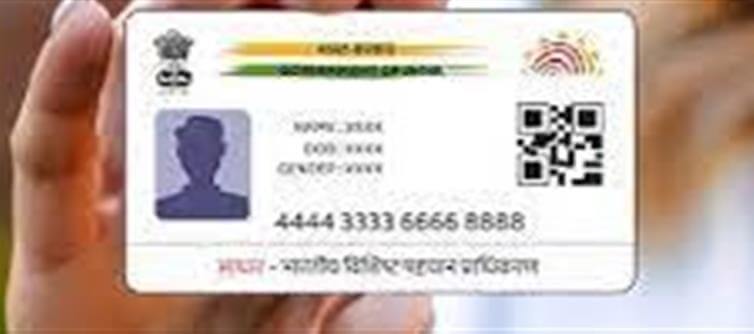

In today’s wallet PLATFORM' target='_blank' title='digital-Latest Updates, Photos, Videos are a click away, CLICK NOW'>digital world, your Aadhaar number is more than just an identity proof—it’s linked to bank accounts, PAN, mutual funds, insurance, and government schemes. One crucial aspect of Aadhaar is the mobile number registered with it, as it is required for OTP verification, updates, and online services.
If you’re unsure which mobile number is linked to your Aadhaar, here’s a simple way to check.
Why Knowing Your Linked mobile Number Is Important
1. Receive OTPs for Aadhaar Services
o mobile number is needed to receive One-Time Passwords (OTPs) for authentication.
2. Banking & Financial Services
o Linking Aadhaar with banks, mutual funds, or PAN often requires the registered mobile number.
3. Government Schemes & Subsidies
o Benefits under schemes like DBT (Direct Benefit Transfer) are sent to the mobile number linked with Aadhaar.
4. Updating Aadhaar Details
o To update personal information online, your registered mobile number is essential.
How to Check the mobile Number Linked to Aadhaar
Step 1: Visit the UIDAI official website: https://uidai.gov.in
Step 2: Go to “Verify Email/Mobile Number” under Aadhaar Services.
Step 3: Enter your 12-digit Aadhaar number and security captcha.
Step 4: Click on “Send OTP”.
· If your mobile is linked, you will receive an OTP on that number.
· If you don’t receive an OTP, it means the number may not be registered or is outdated.
How to Update or Link Your mobile Number
1. Visit an Aadhaar Enrollment/Update Center
o Carry your Aadhaar card and valid ID proof.
2. Submit Update Request
o Request mobile number update.
3. OTP Verification
o After entering the new mobile number, an OTP will be sent for verification.
4. Confirmation
o Your mobile number will be updated and linked with Aadhaar within a few days.
Key Takeaway
Your registered mobile number is critical for using Aadhaar-linked services smoothly. Checking and updating it ensures you receive OTPs, access government services, and complete online transactions securely.
Disclaimer:
The views and opinions expressed in this article are those of the author and do not necessarily reflect the official policy or position of any agency, organization, employer, or company. All information provided is for general informational purposes only. While every effort has been made to ensure accuracy, we make no representations or warranties of any kind, express or implied, about the completeness, reliability, or suitability of the information contained herein. Readers are advised to verify facts and seek professional advice where necessary. Any reliance placed on such information is strictly at the reader’s own risk..jpg)
 click and follow Indiaherald WhatsApp channel