


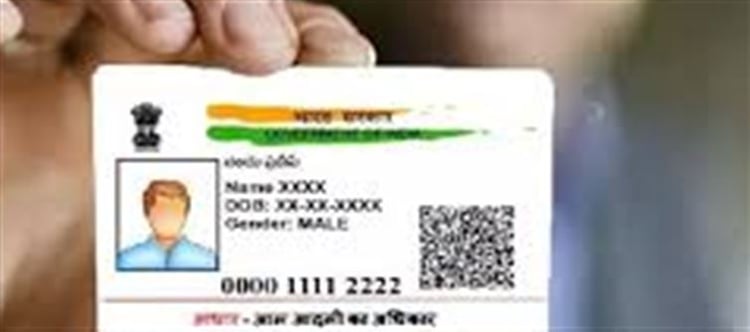

The Unique Identification Authority of india (UIDAI) allows residents to update certain details in their Aadhaar card through their official website. You can update details like name, date of birth, gender, address, mobile number, and email ID. Some updates require biometric verification.
Step 1: Visit the Official uidai Website
Go to https://resident.uidai.gov.in
Always ensure you are on the official uidai website to avoid scams.
Step 2: Access the Aadhaar Update Portal
Click on “Update Aadhaar Details (Online)” under the Aadhaar Update section.
You will be redirected to the Aadhaar Self service Update Portal (SSUP).
Step 3: Log in Using Your Aadhaar
Enter your 12-digit Aadhaar number.
Complete the captcha verification.
Click “Send OTP”. You will receive a one-time password (OTP) on your registered mobile number.
⚠️ If your mobile number is not linked to Aadhaar, you will need to visit an Aadhaar Enrollment Center to update your mobile first.
Step 4: Select the Detail You Want to Update
You can update the following details online:
Name
Date of Birth
Gender
Address
Mobile Number
Email ID
For some changes, like name or date of birth, you will need to upload valid supporting documents.
Step 5: Upload Supporting Documents
Click on the detail you want to update.
Upload scanned copies or images of valid documents.
Examples:
Name: Passport, PAN Card, or Voter ID
Date of Birth: Birth certificate, Passport
Address: Passport, bank statement, Utility bill (recent)
Ensure the document is clear, legible, and in the prescribed format.
Step 6: Submit the Request
After uploading documents, review the details carefully.
Click “Submit Update Request”.
You will receive a UR (Update Request) Number, which can be used to track the status of your update.
Step 7: Track Your Update Request
Visit https://resident.uidai.gov.in/update-status
Enter your UR number and Aadhaar number.
You can see the current status (Pending, Approved, or Rejected).
Step 8: Download Updated Aadhaar
Once approved, you will receive an SMS on your registered mobile.
You can download the updated e-Aadhaar immediately from the uidai website.
It is legally valid as a wallet PLATFORM' target='_blank' title='digital-Latest Updates, Photos, Videos are a click away, CLICK NOW'>digital Aadhaar card.
Tips and Important Notes
Keep your registered mobile number active for OTP verification.
Always use official uidai portals; avoid third-party websites.
Minor spelling mistakes or small corrections are usually processed faster.
Some updates, like biometric corrections, may require a visit to an Aadhaar Center.
Disclaimer:
The views and opinions expressed in this article are those of the author and do not necessarily reflect the official policy or position of any agency, organization, employer, or company. All information provided is for general informational purposes only. While every effort has been made to ensure accuracy, we make no representations or warranties of any kind, express or implied, about the completeness, reliability, or suitability of the information contained herein. Readers are advised to verify facts and seek professional advice where necessary. Any reliance placed on such information is strictly at the reader’s own risk.
 click and follow Indiaherald WhatsApp channel