


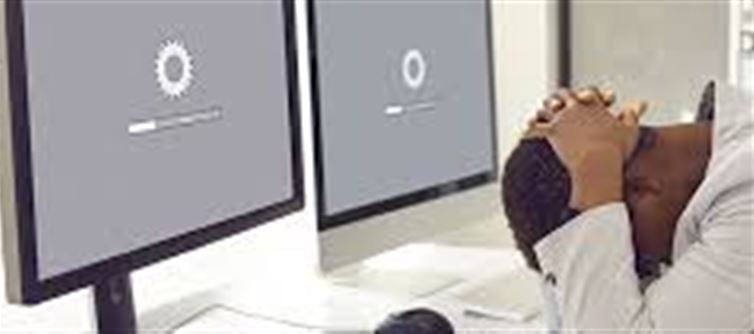

Is Your PC Running Slowly? Here’s Why
If your computer has recently started slowing down, there’s a high chance it’s due to unnecessary software, background apps, or malware consuming system resources. These programs can:
- Take up CPU and RAM, making applications lag
- Slow down startup times
- Cause frequent crashes or freezes
- Reduce overall system efficiency
Common Culprits
Bloatware or Pre-installed Apps
Many new PCs come with unnecessary software that runs in the background.
Unused Programs
Old software or trial applications may auto-start and consume resources.
Browser Extensions & Toolbars
Excessive extensions can slow down browsing and overall system performance.
Malware or Adware
Malicious software can drastically reduce speed and compromise security.
How to Fix the Problem
Uninstall Unnecessary Programs
Windows: Go to Control Panel → Programs → Uninstall a program
Mac: Drag unused applications to the Trash
Disable Startup Programs
Windows: Ctrl + Shift + Esc → Startup tab → Disable unnecessary apps
Mac: System Preferences → Users & Groups → Login Items → Remove unneeded apps
Run a Malware Scan
Use trusted software like Windows Defender, Malwarebytes, or Avast to remove threats.
Clear Temporary Files & Cache
Helps free up storage and speed up your computer.
Keep Your System Updated
Install the latest Windows, Mac, or driver updates to optimize performance.
When to Seek Professional Help
If your computer is still slow after these steps, it could be due to hardware issues, outdated RAM, or a failing hard drive. Consult a trusted IT technician to prevent long-term damage.
✅ Quick Tip: Regularly maintain your PC by removing unused programs, scanning for malware, and cleaning temporary files. This can dramatically improve speed and performance.
Disclaimer:
The views and opinions expressed in this article are those of the author and do not necessarily reflect the official policy or position of any agency, organization, employer, or company. All information provided is for general informational purposes only. While every effort has been made to ensure accuracy, we make no representations or warranties of any kind, express or implied, about the completeness, reliability, or suitability of the information contained herein. Readers are advised to verify facts and seek professional advice where necessary. Any reliance placed on such information is strictly at the reader’s own risk.
 click and follow Indiaherald WhatsApp channel