


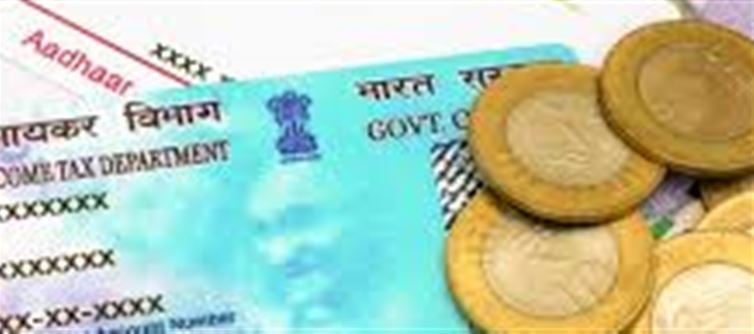

Your PAN card is one of the most important identity documents in India, used for taxation, banking, and other official purposes. Over time, your photograph may become outdated, damaged, or faded. The good news is, the Income Tax Department allows you to update it.
1. When Can You Update Your PAN Photo?
You may need to change your PAN card photo if:
· Your existing photo is damaged or torn.
· Your appearance has significantly changed (e.g., major hairstyle change, facial changes).
· You are updating other PAN details (optional, you can update multiple fields in one application).
Note: PAN details like name, date of birth, or address can also be updated in the same request.
2. Ways to Apply for a PAN Photo Update
There are two official portals you can use to update your PAN photo:
Option 1: NSDL e-Gov Portal
1. Visit NSDL PAN Services.
2. Select “Changes or Correction in PAN Data”.
3. Choose the type of applicant: Individual, HUF, etc.
4. Enter your existing PAN number.
5. Select the fields you want to update — in this case, “Photo”.
6. Upload a scanned recent passport-size photograph.
7. Fill in other required details and submit.
8. Pay the processing fee (₹107 for indian residents, inclusive of GST).
9. Print the acknowledgment receipt (it contains the 15-digit SRN).
Option 2: UTIITSL Portal
1. Visit UTIITSL PAN Services.
2. Click “PAN Card Correction/Update”.
3. Enter PAN number and details.
4. Upload your new photo.
5. Make the payment online.
6. Receive an acknowledgment receipt with the reference number.
Both portals will process your PAN update, and a new PAN card with the updated photograph will be mailed to your registered address.
3. Documents Required
Even if you are only updating your photograph, you need to submit:
· Proof of Identity (POI): Aadhaar card, voter ID, passport, or driving license.
· Existing PAN card copy (for reference).
· Recent passport-size photograph (scanned for online submission or original for offline submission).
Make sure your photograph is clear, of size 3.5 cm × 2.5 cm, and matches passport photo specifications.
4. Fee and Timeline
· Fee: ₹107 (NSDL) or ₹110 (UTIITSL) approximately for indian residents.
· Processing time: Typically 10–15 business days from acknowledgment.
· You can track the status using your 15-digit acknowledgment number.
5. Tips for a Smooth Update
· Ensure your photograph is recent and clear — blurred or dark photos may get rejected.
· Double-check your PAN number and details before submission.
· Use online portals for faster processing rather than visiting physical centers.
· If your PAN card is physically damaged, you may also request a reprint along with the photo update.
✅ Summary
Updating a damaged or old photo on your PAN card is simple:
1. Choose NSDL or UTIITSL portal.
2. Select “PAN correction” and choose photo update.
3. Upload a scanned photo and required documents.
4. Pay the fee and submit.
5. Receive your updated PAN card by post in 10–15 days.
Keeping your PAN card updated with a clear photo ensures smooth banking, tax filing, and identity verification.
Disclaimer:
The views and opinions expressed in this article are those of the author and do not necessarily reflect the official policy or position of any agency, organization, employer, or company. All information provided is for general informational purposes only. While every effort has been made to ensure accuracy, we make no representations or warranties of any kind, express or implied, about the completeness, reliability, or suitability of the information contained herein. Readers are advised to verify facts and seek professional advice where necessary. Any reliance placed on such information is strictly at the reader’s own risk.
 click and follow Indiaherald WhatsApp channel