


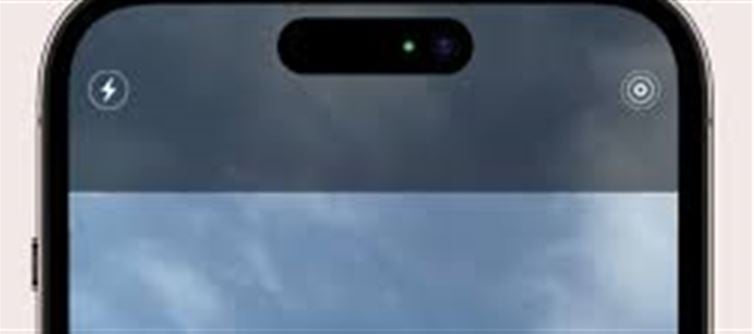

iPhone users may have noticed a green or orange dot appearing on the top right corner of their device. Many people are curious about what these lights indicate, and understanding them is important for privacy and security.
What the Lights Mean
Green Light
Appears when your camera is in use.
It can be triggered by apps like FaceTime, Camera, Zoom, or Instagram.
Indicates that the camera is actively recording or ready to record.
Orange Light
Appears when your microphone is in use.
Apps like voice recording, Siri, or video calls can trigger it.
Shows that your microphone is actively recording sound.
Why These Lights Appear
- Apple introduced these indicators to enhance user privacy and security.
- They alert users whenever an app accesses the camera or microphone, preventing unauthorized usage.
- Helps in identifying apps that might be using hardware without permission.
Key Takeaway
Seeing a green or orange light on your iphone is normal and intentional, serving as a privacy alert. Users should pay attention to which apps are using their camera or microphone and manage permissions if needed.
Disclaimer:
The views and opinions expressed in this article are those of the author and do not necessarily reflect the official policy or position of any agency, organization, employer, or company. All information provided is for general informational purposes only. While every effort has been made to ensure accuracy, we make no representations or warranties of any kind, express or implied, about the completeness, reliability, or suitability of the information contained herein. Readers are advised to verify facts and seek professional advice where necessary. Any reliance placed on such information is strictly at the reader’s own risk..jpg)
 click and follow Indiaherald WhatsApp channel