


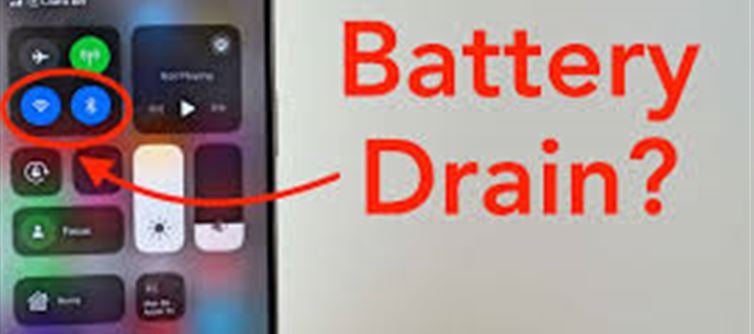

Modern smartphones are packed with wireless technologies like Wi-Fi, Bluetooth, NFC, and location services. Many people leave Bluetooth and Wi-Fi on all the time for convenience, but does this drain the battery faster? Let’s break it down.
🔹 1. How Wi-Fi Affects Battery
- Wi-Fi On, Not Connected: If your Wi-Fi is turned on but not connected to a network, the phone actively scans for available networks, which uses small amounts of battery over time.
- Wi-Fi Connected: When connected to a Wi-Fi network, battery usage is usually lower than mobile data, because Wi-Fi consumes less power than cellular data for the same activity (streaming, browsing).
- Continuous Scanning: Features like Wi-Fi scanning for location services (e.g., google Location Accuracy) can slightly increase battery drain, even if not connected.
💡 Tip: Turning off Wi-Fi when not needed or disabling scanning for networks can save battery.
🔹 2. How Bluetooth Affects Battery
- Bluetooth On, Not Connected: Modern Bluetooth (like Bluetooth Low Energy or BLE) is designed to consume minimal power when not actively connected to devices.
- Bluetooth Connected (e.g., headphones, watch): Battery usage increases while data is transmitted (music streaming, file transfer, health data syncing).
- Background Scanning: Some apps use Bluetooth scanning for location tracking or device discovery, which can slightly increase power consumption.
💡 Tip: Turn off Bluetooth when you don’t need it, especially on older phones that don’t use BLE efficiently.
🔹 3. Key Factors Affecting Battery Drain
Factor
Battery Impact
Wi-Fi on, connected
Low–moderate (depends on usage)
Wi-Fi scanning for networks
Small but continuous drain
Bluetooth on, idle
Very low (BLE)
Bluetooth streaming/connected
Moderate–high, depends on usage
Location services using Wi-Fi/Bluetooth
Additional drain
🔹 4. Modern Smartphones Are Smarter
- Adaptive scanning: Newer Android and iOS devices limit network scans when the phone is idle or in low-power mode.
- Low-power Bluetooth: BLE reduces power consumption dramatically when not actively transferring data.
- Background app management: Apps that abuse Bluetooth/Wi-Fi scanning can cause noticeable battery drain, but normal system use is optimized.
🔹 5. Practical Advice
- Turn off Wi-Fi only if you won’t need it for long periods (like at home or work Wi-Fi).
- Turn off Bluetooth when not pairing devices for long durations.
- Use airplane mode if you need to save maximum battery.
- Check battery usage in settings to see if specific apps are keeping Wi-Fi or Bluetooth active unnecessarily.
📝 Conclusion
- Keeping Wi-Fi and Bluetooth on does consume some battery, but on modern phones, the drain is minimal when not actively in use.
- The biggest drain happens when Bluetooth or Wi-Fi is actively transmitting data (streaming music, transferring files, or scanning frequently).
- For most users, leaving them on for convenience won’t cause major battery issues, but turning them off when not needed can marginally extend battery life.
Disclaimer:
The views and opinions expressed in this article are those of the author and do not necessarily reflect the official policy or position of any agency, organization, employer, or company. All information provided is for general informational purposes only. While every effort has been made to ensure accuracy, we make no representations or warranties of any kind, express or implied, about the completeness, reliability, or suitability of the information contained herein. Readers are advised to verify facts and seek professional advice where necessary. Any reliance placed on such information is strictly at the reader’s own risk.
 click and follow Indiaherald WhatsApp channel